Beko Dryer Error Codes Explained: A Detailed Troubleshooting Guide
Seeing an error code flash on your Beko dryer can be frustrating, but many of these codes point to simple issues you can resolve yourself without calling a technician. This guide covers the most common Beko dryer error codes and provides step-by-step solutions to get your appliance back up and running.
Seeing an error code flash on your Beko dryer can be frustrating, but many of these codes point to simple issues you can resolve yourself without calling a technician. This guide covers the most common Beko dryer error codes and provides step-by-step solutions to get your appliance back up and running.

Common Beko Dryer Error Codes You Can Fix Yourself
Error E01 or E02: Blocked Lint Filter
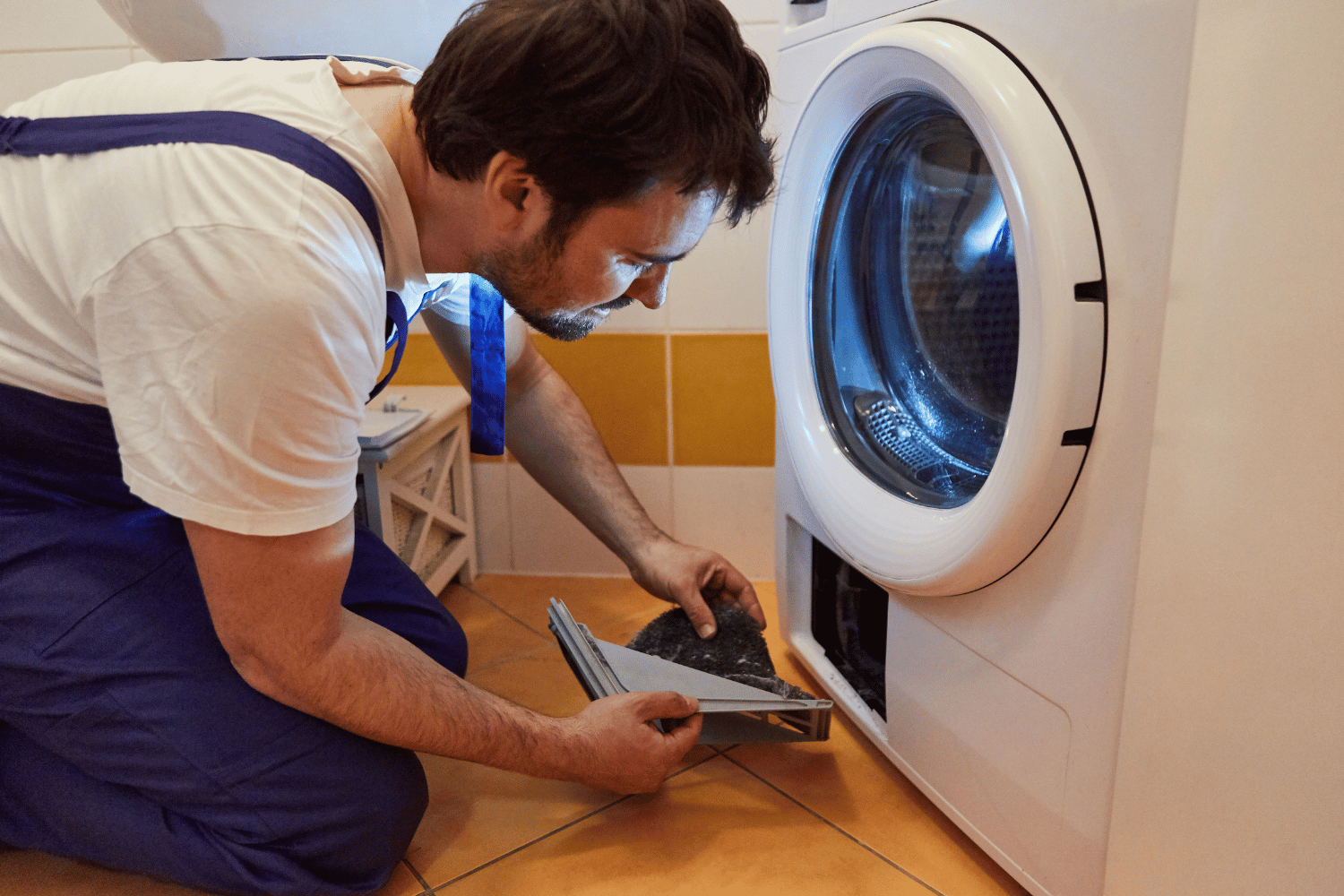
These are the most common Beko dryer error codes, and they signal the same problem: your lint filter is blocked with fluff or fabric softener residue.
How to fix it:
- Remove the lint filter from the dryer door opening.
- Clean off large bits of lint with your fingers.
- For a deeper clean, rinse the filter under warm running water.
- Dry the filter completely before reinserting it.
Prevention tip: Clean the lint filter after every drying cycle to prevent these errors from recurring.
Error E03: Blocked or Kinked Drain Hose
This error indicates that the condensation drainage hose is blocked or kinked, preventing proper water drainage.
How to fix it:
- Check for kinks in the hose and straighten them out.
- Loosen the hose clip on the siphon.
- Carefully remove the drainage hose.
- Clean the hose and siphon spigot thoroughly.
- Reattach everything securely.
Error E12: Overheating Due to Restricted Airflow
The E12 error code means your dryer is overheating because airflow is restricted.
How to fix it:
- Unplug the dryer for safety.
- Clean the lint screen thoroughly (follow the E01/E02 steps above).
- Check the external vent for obstructions—inspect the vent hood outside your home and clear any lint buildup.
- Use a vent cleaning brush to remove lint from the ductwork if accessible.
- Plug the dryer back in and run a test cycle.
The ‘Care’ Maintenance Notification
Your Beko dryer may display a “Care” notification when it needs maintenance. You can run a special cleaning cycle yourself.
How to run the maintenance cycle:
- Set the dial to the cotton cycle.
- Press and hold the iron symbol button.
- Turn the dial a quarter to the right (to the sport cycle) while holding the button.
- “CP1” will appear on the display.
- Pour 1.5 liters of hot water into the condenser reservoir.
- Press start-pause to begin the maintenance cycle.
- When “End” appears, empty the reservoir.
Error Codes Requiring Professional Service
Some error codes indicate faults with internal components and should be handled by a qualified technician:
E06: Fault with the heating circuit—this requires an authorized technician to repair
E08, E09, E24, E25, E28, E90: Electronics faults that need professional diagnosis
E89: Power supply malfunction—try unplugging for a few minutes first, but if the error persists, contact a technician.
General Troubleshooting Tips
If your dryer isn’t working but isn’t showing a specific error code:
Dryer won’t start:
- Check that the door is firmly closed.
- Ensure the child lock isn’t activated (press and hold the “Ready in” and drying time buttons for 3 seconds).
- Verify the power connection and check the fuse.
Dryer is hot but not drying:
- Check and clean the ventilation hose for lint blockages.
- Ensure the vent hose isn’t kinked or damaged.
Dryer keeps stopping mid-cycle:
- Clean the moisture sensor with a coarse sponge (located in the door area).
- Avoid using abrasives or steel wool on the sensor
“Empty Reservoir” notification persists:
- Empty the condenser reservoir.
- If connected to a water drain, check that the drain hose has no loops and isn’t positioned higher than 1 meter.
If you’ve tried these solutions and the error persists, contact Beko customer support or book a repair with an authorized technician.